Vessel Status Layers
1. Weather Layer
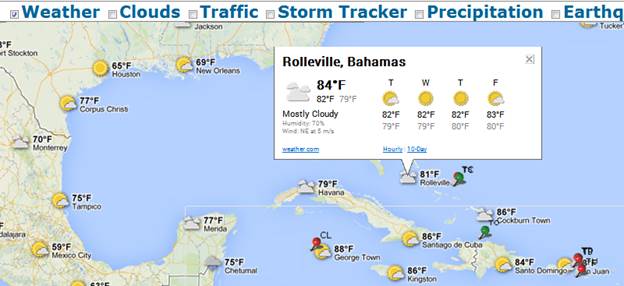
It shows current weather conditions from www.weather.com on your map, including icons that denote sun, clouds, rain and so on. Clicking on the weather icon for a particular area will open an info window with detailed data such as current humidity and wind conditions, as well as a four-day forecast.
2. Cloud Layer
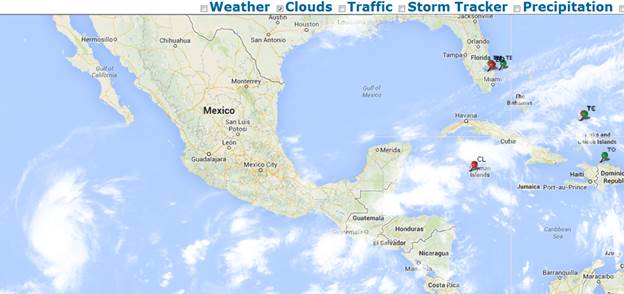
It adds cloud coverage imagery to your map.
3. Traffic Layer
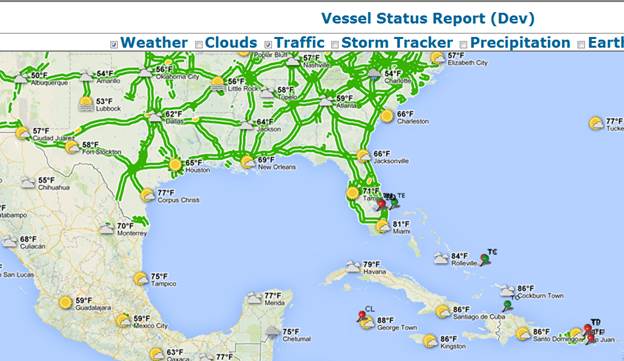
It adds real-time traffic information (where supported) to your maps. Traffic information is provided for the time at which the request is made.
4. Storm Tracker Layer
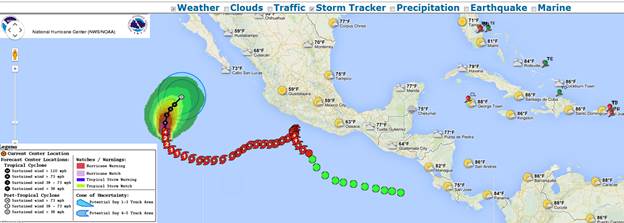
It shows Active Tropical Cyclones provided by the National Hurricane Center and the National Oceanic and Atmospheric Administration NOAA http://www.nhc.noaa.gov/
5. Precipitation Layer
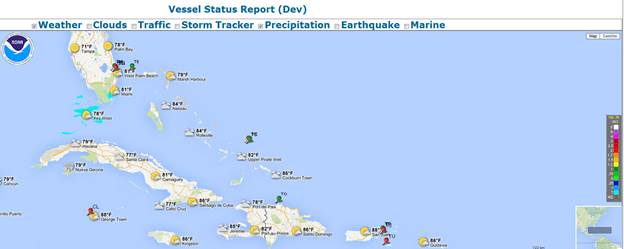
It shows real time radar precipitation information for the areas of Miami and Key West (One hour Precipitation, Storm Total Precipitation and Warning) provided by the National Oceanic and Atmospheric Administration NOAA and National Weather Service http://www.srh.noaa.gov/gis/kml/
6. Earthquake Layer
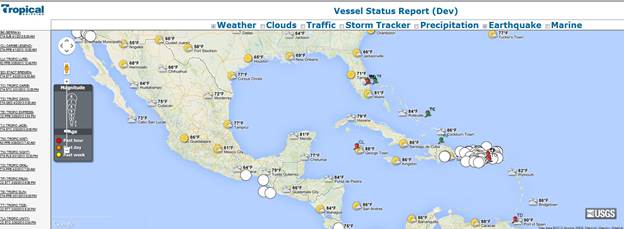
It shows last 7 days earthquake information provided by the United States Geological Survey’s (USGS) Earthquake Hazards Program http://earthquake.usgs.gov/earthquakes/
7. Marine Layer
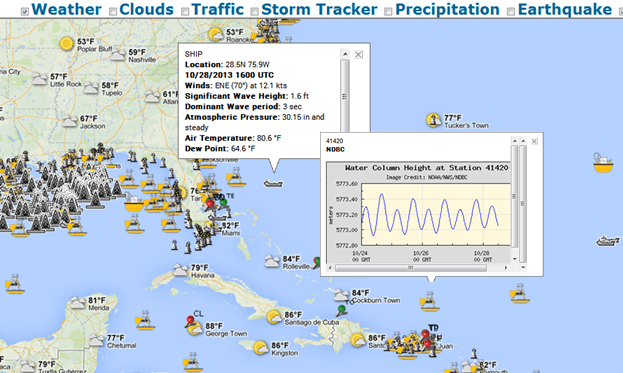
It shows the following marine information transmitted by buoy such as barometric pressure; wind direction, speed, gust, air, sea temperature, wave energy spectra from which significant wave height, dominant wave period, and average wave period provided by the National Data Buoy Center and NOAA http://www.ndbc.noaa.gov/
8. Additional Layer Support
The new Vessel Tracking system’s framework was enhanced to allow layers to be added without additional code changes. This was supported by allowing the system to use a new overlay layer by passing the layer’s information to the vessel tracking system in the url string. An example of this
http://maps.google.com/maps?q=https://developers.google.com/kml/documentation/KML_Samples.kml
URL http://vessel.tropical.com?kml=https://developers.google.com/kml/documentation/KML_Samples.kml